 WHAT CAN YOU EXPECT
 READY FOR THIS JOURNEY?
A layout that’s yours
Mix text, sections, thumbnails, galleries, dividers, and link buttons. Give every part of your message its place.
AeroNexus™ Embeds
Make your message unmistakably yours. Build rich, custom embeds, copy one link, and share your creation across Discord.
We’ll help you achieve that.
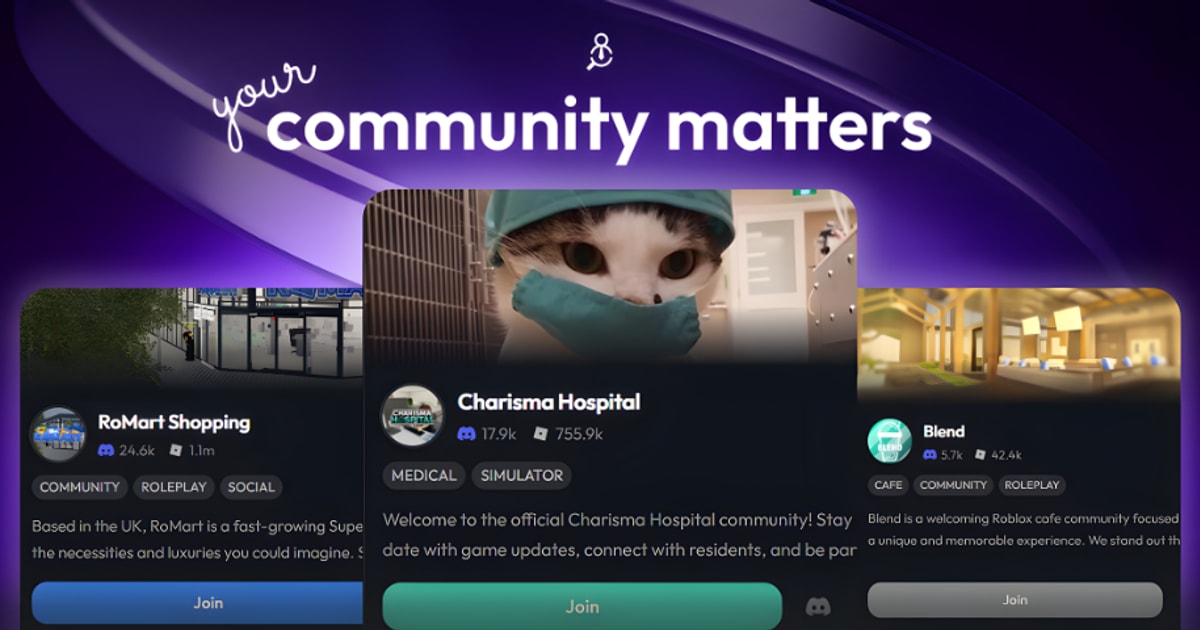
Most advertisements look the same: some text, an image, and an invite. With AeroNexus™ Embeds, combine your advert your way.
Put text above an image, below it, or between two images. Add another section. Change the order. There’s always another way to tell your story.

Say bye-bye to rebuilding your whole advert when something changes. Your published embed has its own link. Update your words, swap the images, and keep sharing the same creation.
Choose images with lasting public URLs, so the media behind your message stays available too.
Lead with an image. Follow with a headline. Put a little text in the middle. Bring it together with dividers, galleries, and buttons that take people somewhere. Build the layout in your head, then see it come to life beside the editor.
Loading the embed editor…
From your first line to your final button, you choose how the story unfolds.
Mix text, sections, thumbnails, galleries, dividers, and link buttons. Give every part of your message its place.
Change your published creation without changing its link. Discord may take time to refresh a cached preview.
Give a single image the spotlight, or bring up to ten images and videos together in a gallery.
Reorder your components, duplicate a good idea, and undo or redo as you go. Your preview follows every edit.
Pick an accent color, add breathing room with dividers, and reveal surprises with spoilers.
Export component JSON to keep a copy, then import it when you want to use that layout again.
Embeds by AeroNexus
Create it once. Share your link wherever your community takes you.
As long as this is enabled:
